Isola Foundations Icons Full Markets ConsumerElectronics Text
06 November 2020
Related Posts
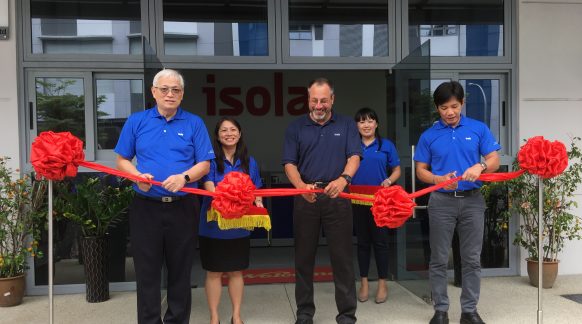
Singapore: Isola announces the grand opening of their new sales office and Analytical Services Laboratory.
On June 18 the Singapore Isola and JSL team celebrated the opening of their new offices. Photos show the ribbon cutting and a photo of the Isola and JSL team.
PCB007 interviews CEO Travis Kelly and CSMO Sean Mirshafiei in a look into the future of Isola. Travis and Sean share insights into Isola’s strategy to serve the Quick Turn Market in North America with the opening of a new global headquarters and quick…
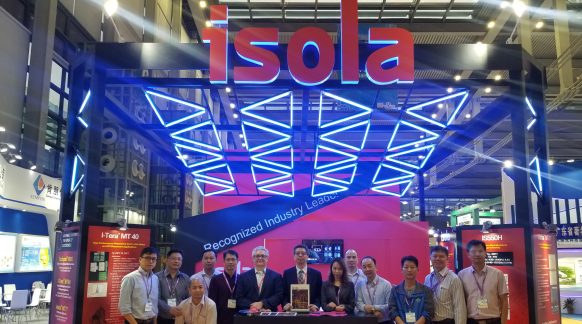
HKPCA 2018, Shenzhen, China, December 5 -7 – A Great Success!
The 2018 HKPCA & IPC Show held on 5-7 December 2018 in Shenzhen, China, themed as “Inspire the Industry. Explore the Infinity,” proved to be a great success for Isola. Here’s a picture of the Isola team at the Isola booth. The Isola team engaged…